mirror of
https://github.com/NVIDIA/dgx-spark-playbooks.git
synced 2026-06-18 12:32:23 +00:00
Collection of step-by-step playbooks for setting up AI/ML workloads on NVIDIA DGX Spark devices with Blackwell architecture.
 56d15db148
- Rename "Traditional Graph" to "Graph Search" throughout UI - Performance Metrics card label - Answer section badge - Console logging - Display query times in seconds instead of milliseconds - Pure RAG: 11.09s (was 11090.00ms) - Graph Search: 11.09s (was 11090.00ms) - GraphRAG: 11.09s (was 11090.00ms) The new name "Graph Search" better describes the functionality, and seconds provide more intuitive performance comparison. 🤖 Generated with [Claude Code](https://claude.com/claude-code) Co-Authored-By: Claude <noreply@anthropic.com> |
||
|---|---|---|
| nvidia | ||
| src/images | ||
| LICENSE | ||
| README.md | ||
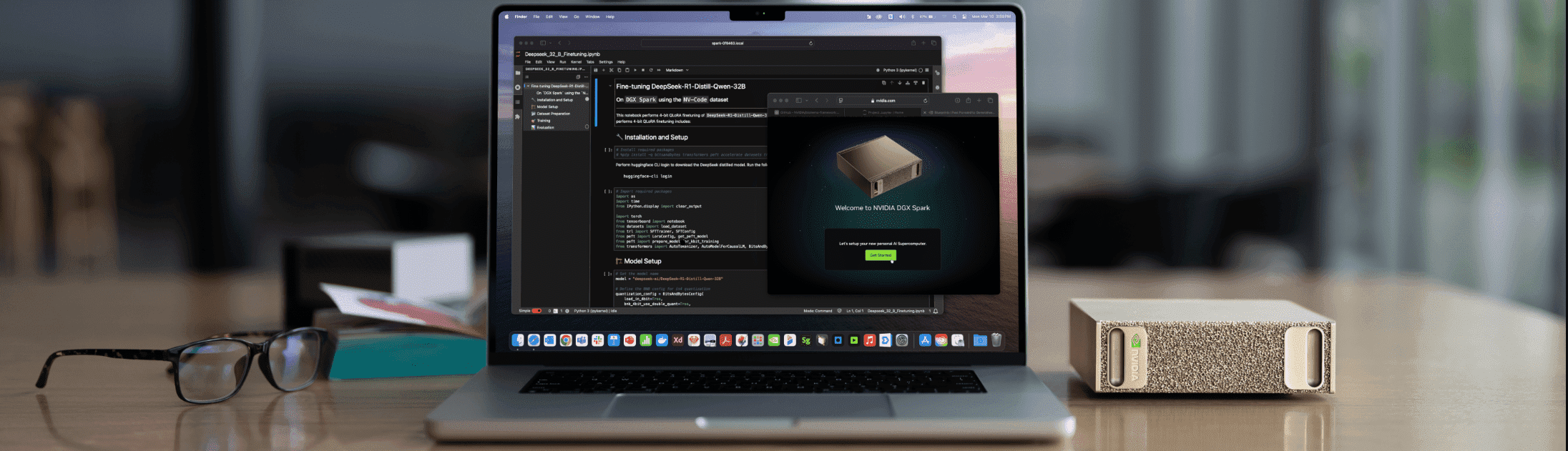
DGX Spark Playbooks
Collection of step-by-step playbooks for setting up AI/ML workloads on NVIDIA DGX Spark devices with Blackwell architecture.
About
These playbooks provide detailed instructions for:
- Installing and configuring popular AI frameworks
- Running inference with optimized models
- Setting up development environments
- Connecting and managing your DGX Spark device
Each playbook includes prerequisites, step-by-step instructions, troubleshooting guidance, and example code.
Available Playbooks
NVIDIA
- Comfy UI
- Set Up Local Network Access
- Connect Two Sparks
- CUDA-X Data Science
- DGX Dashboard
- FLUX.1 Dreambooth LoRA Fine-tuning
- Optimized JAX
- LLaMA Factory
- Build and Deploy a Multi-Agent Chatbot
- Multi-modal Inference
- NCCL for Two Sparks
- Fine-tune with NeMo
- NIM on Spark
- NVFP4 Quantization
- Ollama
- Open WebUI with Ollama
- Fine tune with Pytorch
- RAG application in AI Workbench
- Speculative Decoding
- Set up Tailscale on your Spark
- TRT LLM for Inference
- Text to Knowledge Graph
- Unsloth on DGX Spark
- Vibe Coding in VS Code
- Install and Use vLLM for Inference
- Vision-Language Model Fine-tuning
- VS Code
- Build a Video Search and Summarization (VSS) Agent
Resources
- Documentation: https://www.nvidia.com/en-us/products/workstations/dgx-spark/
- Developer Forum: https://forums.developer.nvidia.com/c/accelerated-computing/dgx-spark-gb10
- Terms of Service: https://assets.ngc.nvidia.com/products/api-catalog/legal/NVIDIA%20API%20Trial%20Terms%20of%20Service.pdf
License
See:
- LICENSE for licensing information.
- LICENSE-3rd-party for third-party licensing information.